






















5 Best Free Linux Web browsers

Are you surfing for best Linux Web browser? Then you have landed at the right place. Choosing the best Linux web browser for your needs is a little bit difficult task. The first app anyone uses on a computer is almost always a Web browser, which is why it’s so important to choose a stable Linux web browser that suits all your needs.
For the sake of Linux Ubuntu, Mint and other Linux distro’s users, we have made a list of 5 Best Free Linux Web browsers of 2015. You can also get Linux Web browsers free download here.
Best Free Linux Web browsers
1. Firefox

Firefox is the third most popular browser in the world, and likely the most popular Linux browser, since it ships with many Linux distributions by default. Its initial release in 2002 marked the rebirth of Netscape Navigator, though it wasn’t until 2004 that it became known as “Firefox”, having previously been known as first “Phoenix” and then “Firebird”. It’s one of the most customizable browsers, and the ocean of user add-ons and themes created for it will likely never be surpassed by other projects. It also performs well – tests show Firefox is the most memory-efficient of the mainstream browsers, in addition to having the best Javascript performance.
However, Mozilla has a history of making things difficult for add-on developers and users by introducing backwards-incompatible changes, one of which was a complete revamp of the UI. The new interface called Australis left many users unhappy and incurred a loss of market share. It wouldn’t be unfair to say Mozilla went through a direction crisis, and time will tell if the direction they’ve chosen will serve them well.
2. Chromium (Google Chrome)

Since its release in late 2008, Google’s Chrome browser and its open source brotherChromium have quickly become the most popular replacement for Firefox on Linux systems. Chromium is included in the Ubuntu repositories or you can download Chrome directly from Google. Chromium has been considered by Canonical as a replacement for Firefox as the default browser in Ubuntu, but so far, Firefox is holding its ground.
Also See: Best Free Messaging Apps for Smartphones Users
3. Konqueror

Konqueror is KDE’s one-stop solution for both file and web browsing. By default it uses the KHTML rendering engine, but it also supports KHTML’s progeny, WebKit. In somewhat typical KDE fashion, it’s an application that does a great deal many things. It features most of the amenities you’d expect in a modern browser, such as tabs, pop-up blocking, ad filtering, bookmark management, and mouseless browsing. Those are just a part of its functionality, though: with KDE’s KIO plugins, it’s possible to use it for FTP, SAMBA and IMAP browsing, or even as a ISO image viewer. Konqueror is without a doubt the most advanced file / web browser combo application on any platform.
4. Web
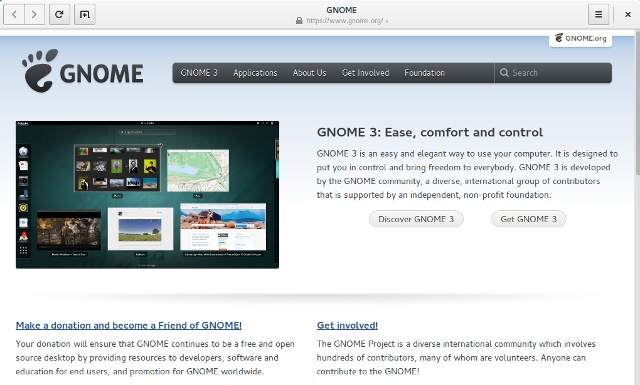
The official browser of the GNOME project, Web was previously known as Epiphany. It’s a WebKit-based browser which adheres to the design tenets of the GNOME project, offering a clean, simple interface and tight integration with the desktop environment. More recent versions have dropped support for user extensions, but a number of the most popular add-ons have become a core part of the browser. These include ad filtering, Greasemonkey support and mouse gestures.
5. Midori
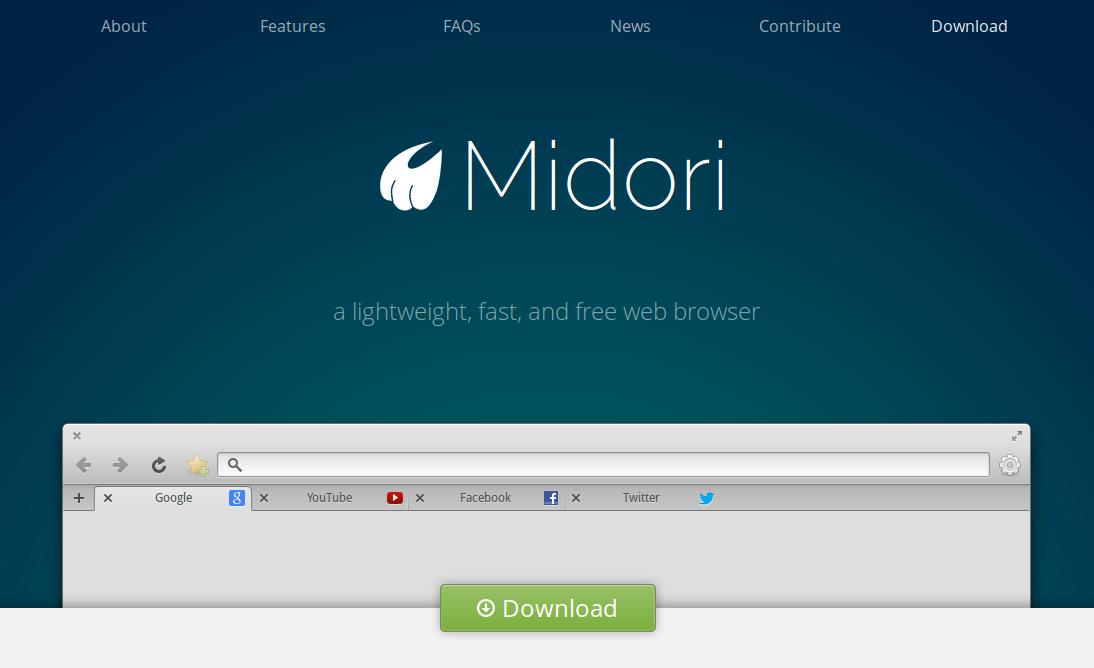 Midori is a cross-platform GTK browser based on Webkit. It tracks the latest Webkit very closely, so you always have a fresh version. Midori is very lightweight and fast, but still has a lot of features. Midori is amazingly quick and can be useful for sites like Facebook which tend to slow down Firefox. Users concerned about privacy will be interested to know that Midori features Duck Duck Go as the default search engine, offers built-in ad blocking and good cookie control. An old version (0.4.3) is currently included with Ubuntu 13.10, so it is recommended that you install from the Midori PPA.
There are some more web browsers like Conkeror browsers, Pale moon browsers, QupZilla e.t.c. are available apart from these 5 web browsers that you can use if you want. Depending on your specific needs, different browsers can be a better pick, but if you’re looking for a general purpose browser for your regular Linux PC use, then we’d stick with our top picks.
If you like the article “ 5 Best Free Linux Web browsers “, you can share with your friends and feel free to ask doubts.
Also See: Best Free Video Chat Apps for Android & iphone Smartphones


Leave a Response