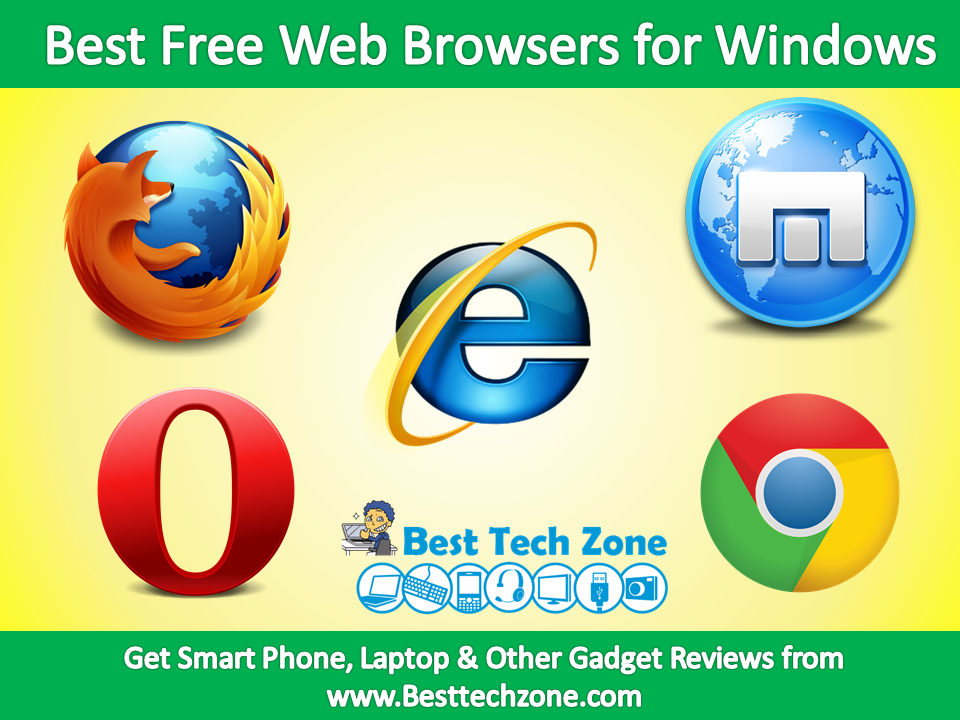
The internet has become the primary use for many laptops and desktops in recent years. We access the Internet through our web browsers all the time. Web Browsers are necessary to access the Internet from your computer. The first app anyone uses on a computer is almost always a Web browser. There are so many web browsers are available for our PC and Laptops, each web browsers have its own pros and cons,
There are two important things you want to keep in mind. The first is performance. You don’t want to use a browser that slows down your computer. The second is compatibility and security. The browser should support the latest Web standards and be secure enough that you don’t end up infecting your computer. Every one wants that the Web browsers they are using should be fast, secure, and have a few extra features to make the experience easier.
If you are surfing for best Web Browser for your windows PC, then you have landed at the right place. We have made a list of Top 5 Best Web Browsers for Windows PC of 2015. All these Web Browsers are compatible with Windows 7,8,XP,Vista and latest 8.1 OS. You can also get Web browsers free download here.
Best Free Web Browsers for Windows
1. Mozilla Firefox 31

Firefox recently benefitted from a major interface redesign, and has made huge strides in memory consumption and startup speed. It’s also a leader in new standards support and evolution. But Firefox’s customization possibilities are what have endeared the browser to millions of users over the years, and the latest version is more easily customizable than ever. Its Customize mode lets you configure the browser toolbars, Personas let you change its appearance, and as always, a raft of extension can do more to make the browser your own than any other browser. To top everything off, Firefox is the leader in security and privacy.
2. Google Chrome 36
Chrome’s speed and minimalist design have deservedly attracted a devoted group of users to Google’s browser. Leading HTML5 support and fast JavaScript performance mean it’s ready for highly interactive, application-like websites, but it’s behind some of the competition in graphics hardware acceleration. And though Google has implemented Do Not Track (set to off by default), Chrome is probably not the best choice for privacy mavens.
Also See: Best Free Video Chat Apps for Android & iphone Smartphones
3. Maxthon Cloud Browser 4.4

Maxthon is the app in this roundup known and used by the fewest people, but it offers among the most in tools, and surprisingly good performance and HTML5 support. If the idea of being able to skip through video ads, take a screen capture of a webpage, download video, or switch to a dark view for night viewing appeals to you, give Maxthon a download. Site compatibility is pretty much guaranteed, since Maxthon uses both Chrome and IE’s web page rendering engines. Rich cloud services let you push sites to other devices and store downloads up in the cloud, but Maxthon trails in graphics hardware acceleration.
4. Opera 24

We’re still fans of this browser from Norway, but it now offers fewer differentiators, since it uses Google’s underlying code. Like the other current browsers, Opera is fast, compliant with HTML5, and spare of interface. Long an innovator, its main distinction is its Speed Dial, which offers Windows 8-like live tiles of information on new-tab pages. Another is Off-road mode, which speeds up the Web on slow connections through caching and compression. Unfortunately Opera has dropped a few of its distinguishing plusses such as a built-in BitTorrent, Unite server functionality, and an email client. Even a bookmark manager awaits re-addition to the rebuilt browser.
5. Internet Explorer 11
Now available for Windows 7 as well as for Windows 8 (but not for Vista or XP), Microsoft’s latest browser is faster, trimmer, far more compliant with HTML5—a major improvement over its predecessor. IE even now supports WebGL and SPDY, but not WebRTC. The browser brings some unique capabilities such as tab-pinning and leading hardware acceleration. Its excellent privacy tools include Do Not Track enabled by default and the more-powerful Tracking Protection feature.
There are some more web browsers like Epic browsers, Tor browsers e.t.c. are available apart from these 5 web browsers that you can use if you want. Depending on your specific needs, different browsers can be a better pick, but if you’re looking for a general purpose browser for your regular Windows PC use, then we’d stick with our top picks.
If you like the article “ 5 Best Free Web Browsers for Windows “, you can share with your friends and feel free to ask doubts.