
In olden days if you want to make changes to your photos, you have to transfer your pics to PC and you need special softwares for that purpose. Now there is no necessity of transfering photos to your PC for editing images. Now a days we have so many best photo editor softwares. We can simply download these photo editing softwares from Google PlayStore. Here we are going to give you the best photo editor apps for android devices to make your snapshot into a memorable pic of your life.
10 Best Photo Editor Apps for Android
1. PicsArt – Photo Studio
PicsArt is one of the most popular photo editing apps with over 100 million installs on Android market. It is a one-stop app that consists of photo editor, drawing tool, photo grid, college maker and much more.
This app provides tons of options for photo manipulations and a wide variety of effects, masks, borders, stickers, text tools, clipart graphics, callouts, frames, enhancement tools and more. Users can also make collages, photo grids, and draw on their photos. It is a perfect platform to unleash your creativity via photo editing.
PicsArt has its own social networking service which allows you to share your images with the largest mobile art-based community. You can create a PicsArt profile and use the in-app purchase system to get rid of ads and download various stickers to be inserted in your pictures.

2.VSCO Cam
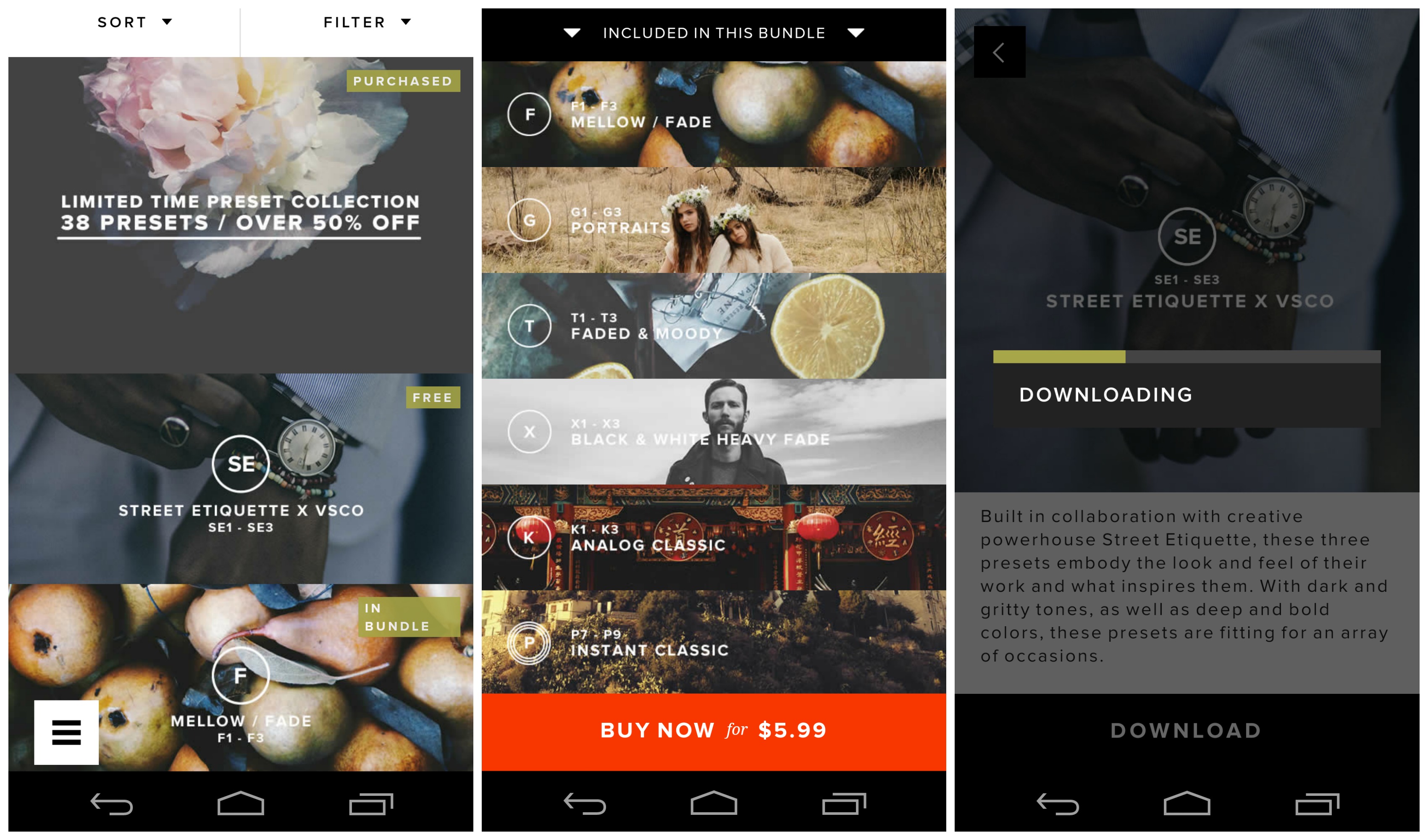
VSCO (pronounced visco) Cam started out as a paid app but went free last year. It is one of the best photo editing apps on iOS and Android if you want advanced controls. VSCO Cam has a great collection of filters, which are better than those on Instagram. While some filters are free, you’ll have to pay for many others. Don’t let this dissuade you from trying the app, as the free filters are good enough for most people.
VSCO Cam’s editing tools include brightness, contrast, saturation, tint, crop, rotate, sharpness, highlights, shadows, among a few others. As evident, it has enough tools for professional photo editing.
3. Snapseed
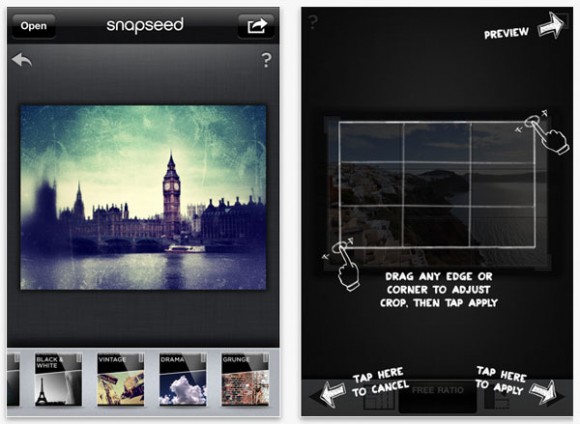
Snapseed is a great photo editing app created by respected software developer, Nik Software Inc., which is a popular plugins manufacturer for Adobe Photoshop and Lightroom.
With the app, you can easily enhance and transform your photos using its incredibly advanced features like auto correct, selective adjust, and tune image feature.
The Auto Correct feature enhances colors, exposure and contrast in a single tap. The Selective Adjust feature lets you highlight and focus specific objects or areas and the Tune Image feature tweaks brightness, shadows, white balance, saturation and other effects. Other features of Snapseed include frames, texture and tone adjustment, sharing via email, and more.
Snapseed used to be a costly app, but since Google acquired Nik Software, Snapseed is now free of charge and has been integrated with Google+.
4. Pixlr Express
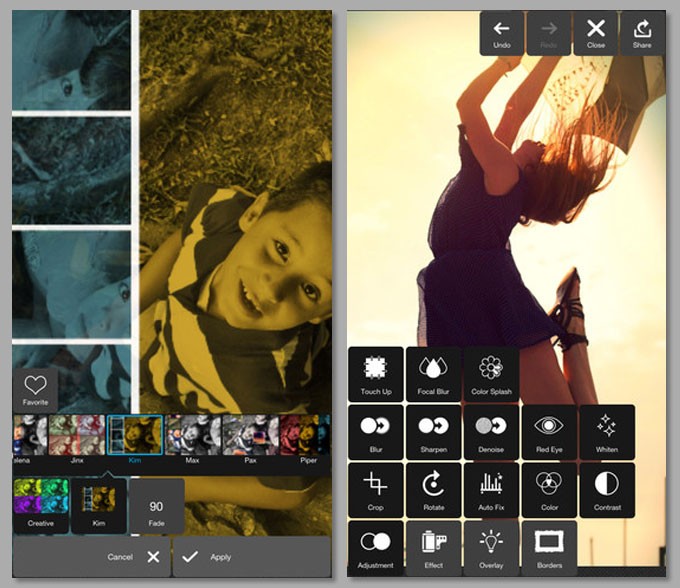
Pixlr Express is one of the most powerful photo editing app developed by Autodesk Inc and is available for free. This app lets you quickly crop, resize, and fix any picture, remove red-eye, and whiten teeth.
It has enough tools for power users too, coupled with Photoshop-like effects such as pencil, poster, halftone, water color, sketch, among others.
Pixlr Express is equipped with a lot of interesting features. You can create photo collage with so many cool effects, such as focal blur, denoise, and more. Its Auto Fix feature is the most interesting as with just one click the app automatically adjusts brightness, color, exposure, contrast, etc.
5. Instagram
Apart from being one of the world’s most popular photo communities, Instagram is a fast, hassle-free photo editing app. Its filters are adequate for most people, but not for power users. If you are into black-and-white photography, you might want to try other apps because Instagram’s filters aren’t the best.

6. Photo Editor by Aviary
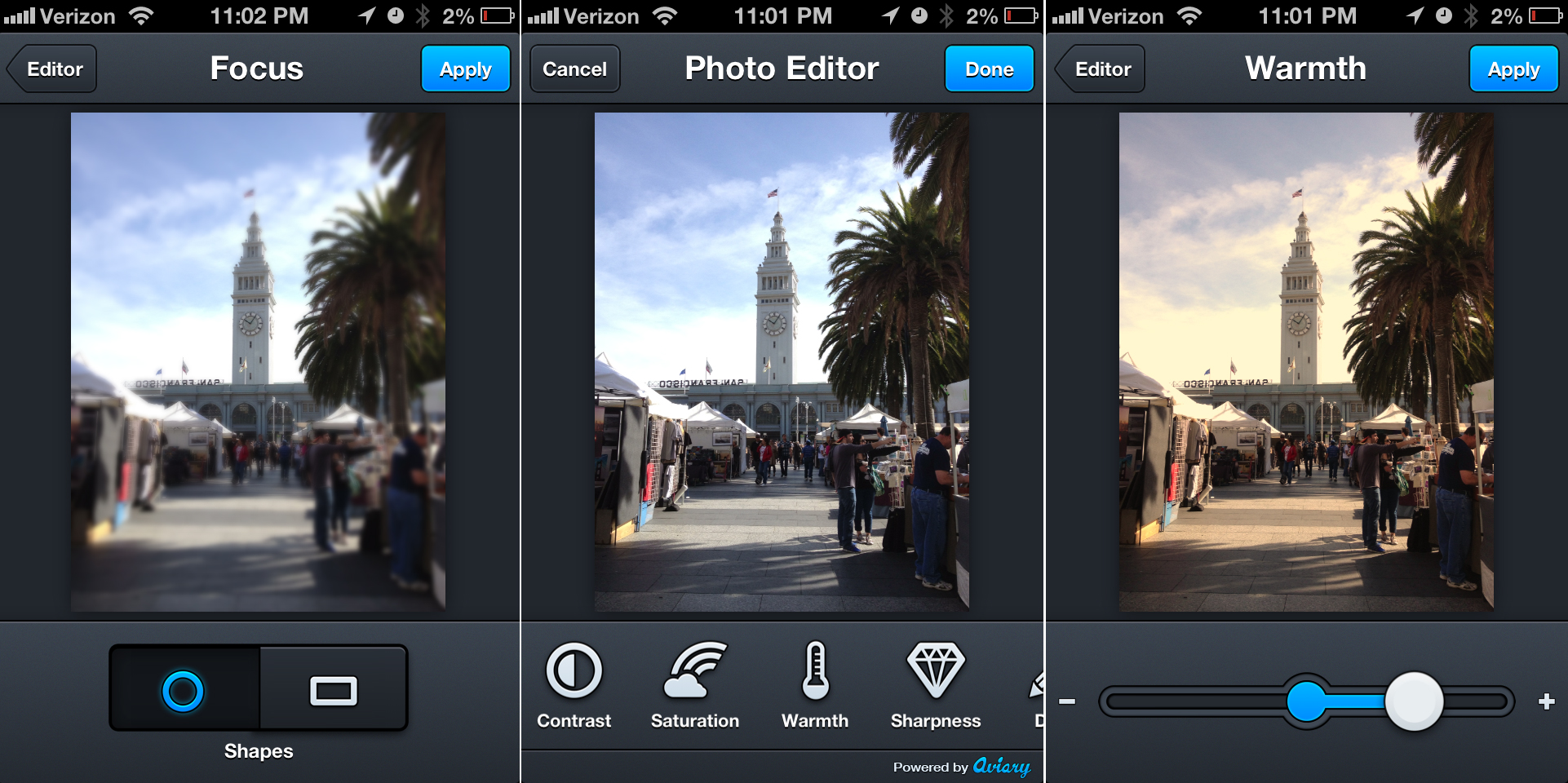
Aviary is another powerful smartphone photo editor that allows users to quickly edit their photos using its one-tap auto enhance tools.
Aviary also features a set of Cosmetic Tools, which gets rid of flaws and blemishes, whitens teeth, and removes red eye. Whether it is dust on your camera’s lens or flash burning out a small portion of the image, Aviary is a good app for image correction.
To make the app easier to use, users can also customize their screens by dragging and dropping their favorite toolsets.
7. Flickr
Like Instagram, Flickr has a great community of photographers. Unlike Instagram, however, Flickr has advanced editing tools, which is better for enthusiasts. Another advantage is that Flickr doesn’t restrict you to square photos. Its built-in filters are fairly good too. The only major negative is that Flickr’s Windows Phone app isn’t as good as iOS and Android variants.

8. Pixlr-o-matic
Pixlr-o-matic is a fun photo editing app that comes with a variety of effects, filters, borders, and overlays. This app is best known for its variety in photo filters. With its three category of photo filters, light filters, and photo frames, Pixlr-o-matic allows you to completely transform your images.
The only negative things is its effect applying approach. The app won’t let you apply more than one filter from each category which you can workaround by saving the photo and load again. But, it’s still a very good photo editor and doesn’t bother you with any kind of ads.

9. Befunky Photo Editor
Befunky is among the best photo editing apps for Android phones. It provides all the appropriate editing tools along with some additional effects, which you won’t find in other Android camera apps.
BeFunky also provides various photo frames like Polaroid, Filmstrip, Halftone, to give your photo a stylish look.
The interesting feature of the app is that you can add unlimited number of effects to your photos to make them look however you want.
Befunky Photo Editor also supports tablets, and is available in free as well as paid version.

10. Picsay
Picsay is an award winning mobile photo editing app that combines basic editing features and a few extra perks to produce interesting photos. Some of them are Distort, Dizziness, Invert, Pixelate, Rainbow and Spotlight.
Along with these features, Picsay also allows users to add Word Balloons, Texts, and Stickers. The ability for creating word balloons is something which really sets the app apart from other apps.
Moreover, you can apply contrast, brightness, exposure, contrast, temperature, and artistic effects as well.
Picsay is available in both free and paid version on Google play store. In the paid version, you get additional content like more filters and more actual features like pressure-sensitive drawing, removing red-eye, and others.

5 thoughts on “10 Best Photo Editor Apps for Android”